
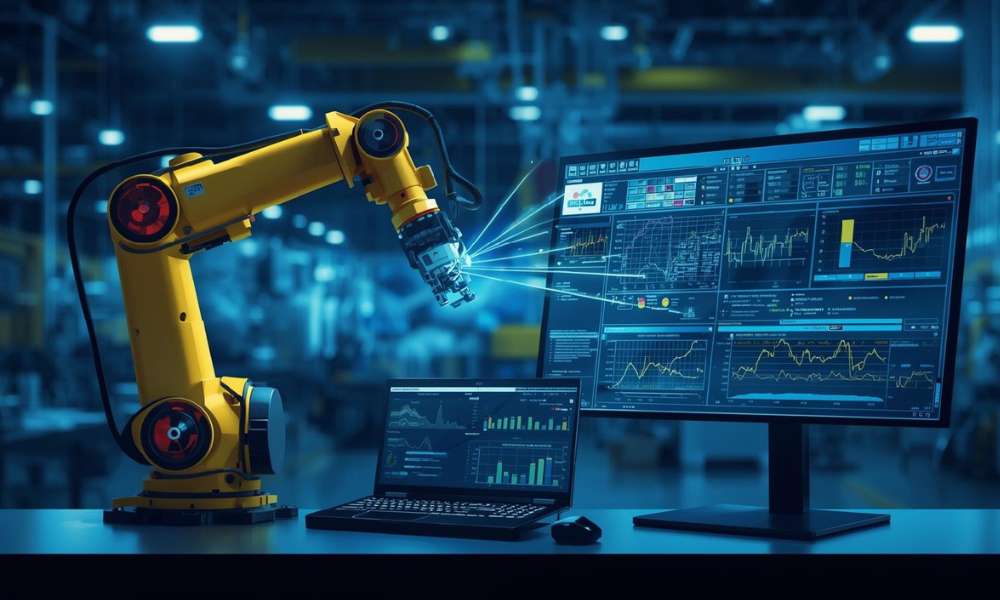
Automation is becoming increasingly accessible for local businesses, from small manufacturing plants to agricultural setups. Two key components that power many automation systems are PLCs (Programmable Logic Controllers) and HMIs (Human-Machine Interfaces). While often used together, they serve very different functions. This guide breaks down their differences and explains how each plays a crucial role in efficient, modern automation systems.
What Is a PLC?
A Programmable Logic Controller (PLC) is a robust, industrial-grade computer used to control machinery and processes. It receives data from input devices, processes that data based on predefined logic, and triggers output actions accordingly.
Key Features of a PLC:
- Designed for durability in industrial environments
- Executes real-time decision-making
- Connects directly with sensors, switches, and actuators
- Often used in local applications like automated gates, bottling lines, or irrigation systems
PLCs are often installed in control panels and run without user interaction, managing systems silently and reliably.
What Is an HMI?
A Human-Machine Interface (HMI) is the visual platform that allows users to interact with machines or automation systems. Unlike a PLC, it doesn’t control machines directly; it simply displays data and lets users input commands.
Common Functions of an HMI:
- Displays real-time system performance
- Allows users to start, stop, or adjust processes
- Shows alerts or system warnings
- Simplifies troubleshooting through visual data
In smaller operations, such as local breweries or greenhouses, HMIs make it easier to monitor temperature, tank levels, or machine status.
Main Differences Between PLC and HMI
Understanding how these components differ can help business owners choose the right setup for their automation needs.
| Feature | PLC | HMI |
| Primary Role | Executes logic and controls devices | Displays data and accepts user input |
| User Interaction | None (backend controller) | High (front-end interface) |
| Location | Mounted in control panels | Displayed on screens or control panels |
| Example Use | Turns on a motor when sensor is triggered | Shows motor status and allows manual override |
| Technical Skill Needed | High (programming logic required) | Low to moderate (user-friendly UI) |
How PLCs and HMIs Work Together
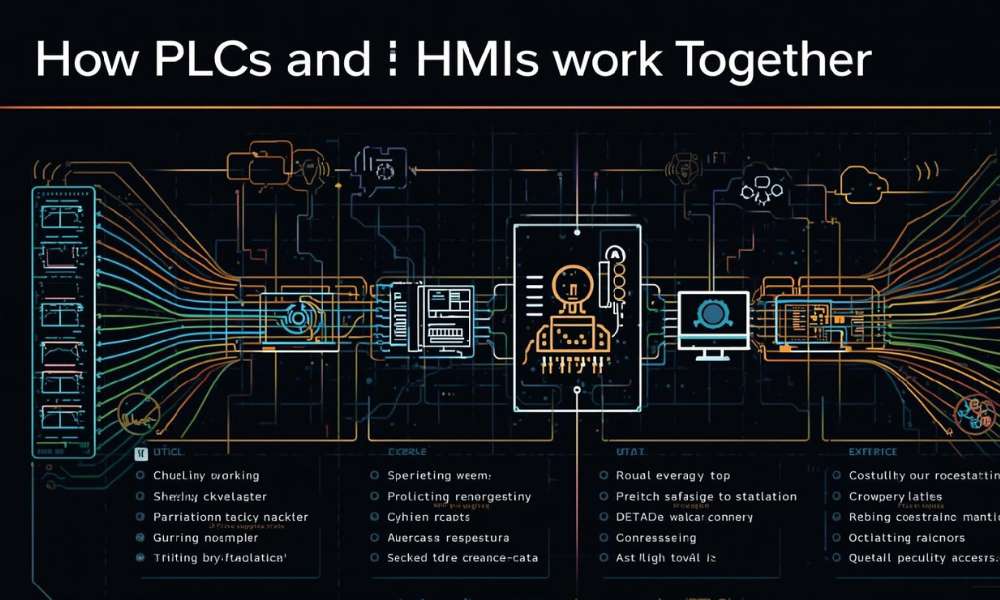
Though different, PLCs and HMIs are designed to complement each other:
- The PLC processes the logic and communicates with physical devices.
- The HMI connects to the PLC, displaying information and sending user inputs back to it.
Together, they form a complete automation system that is both functional and user-friendly.
Benefits for Local Businesses
Small and mid-sized businesses can gain several advantages by using PLCs and HMIs together:
Efficiency
Automate repetitive tasks
Reduce manual labor
Real-Time Monitoring
Instantly view machine performance
Detect and fix issues quickly
Cost Savings
Minimize downtime
Lower maintenance costs
Scalability
Easily expand or modify the system as operations grow
Common Use Cases
Here are some real-world applications where PLCs and HMIs are used locally:
- Greenhouses: Monitor and automate lighting and irrigation
- Food Processing: Control temperatures and timers in baking or brewing
- Car Washes: Manage conveyor belts, brushes, and drying systems
- Water Management: Automate pump systems and monitor water levels
Choosing the Right Automation Setup
Before investing in automation, consider the following:
- Size of your operation
- Processes you want to automate
- User skill levels
- Budget and long-term goals
For small setups, many vendors offer starter kits that include both a basic PLC and HMI, along with software and documentation.
Conclusion
PLCs and HMIs are both essential components in modern automation, each playing a unique role. The PLC handles logic and control, while the HMI focuses on user interaction and monitoring. For local businesses aiming to improve efficiency, reduce labor, and stay competitive, understanding the difference between these two technologies is the first step toward smarter, scalable automation.
By leveraging both devices in your automation strategy, you not only streamline operations but also future-proof your business for growth.